¶ laravel环境搭建-dnmp
使用使用docker搭建开发环境,nginx+mysql+php,默认安装了docker
¶ 下载docker-compose文件
git clone https://github.com/yeszao/dnmp.git
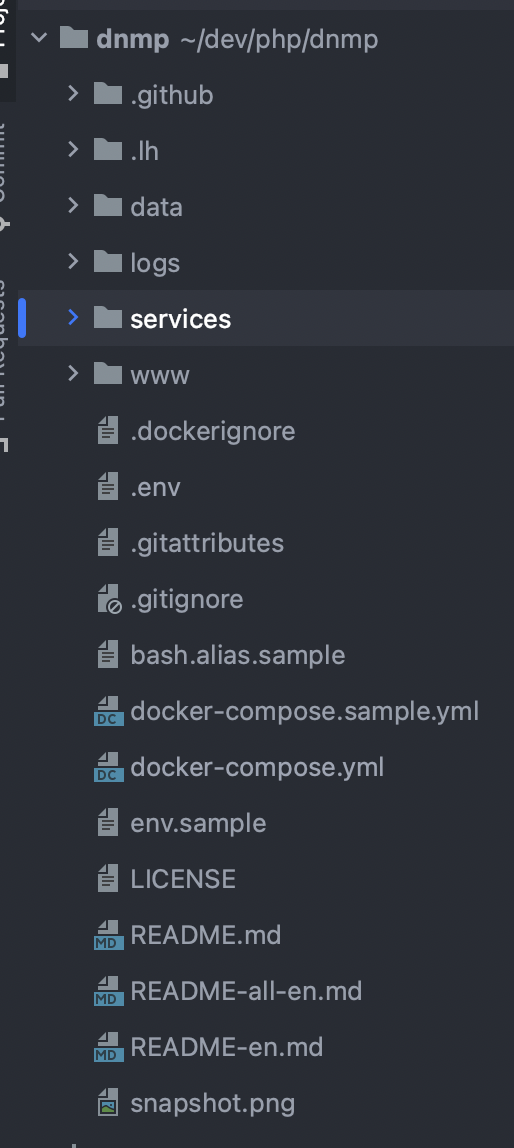
拉取代码后可以看到文件目录,data用于存放存储数据,logs存放日志信息,php和nginx的报错可以直接映射到这个文件夹下,排错非常方便。service存放Dockerfile文件和一些服务配置,后续会讲到。www则是存放项目
¶ 尝试拉一个项目部署
博主这里拉取的是laravel教程的一个项目,就不展示拉取方式了,可以去到learnku的找laravel教程拉取
¶ 增加站点
打开 service/nginx/conf.d,配置nginx站点,文件名用conf结尾
server {
listen 8888 default;
server_name larabbs;
root /www/larabbs/public;
index index.php index.html index.htm;
#charset koi8-r;location /{
try_files $uri query_string;
}location ~ [^/].php(/|$) {
fastcgi_pass php:9000;
include fastcgi-php.conf;
include fastcgi_params;
}}
¶ 复制配置文件
cp env.sample .env
cp docker-compose.sample.yml docker-compose.yml
在env配置中可以设置nginx的映射端口和服务版本,这里我设置了php8版本
PHP_VERSION=8.0.22
¶ 启动docker
docker-compose up -d nginx php mysql
配置本地hosts文件后访问:larabbs.test:8888,访问成功
¶ 安装xdebug3调试
docker ps

进入容器
docker exec -it fb8 /bin/sh
安装拓展
/www # install-php-extensions xdebug
修改php.ini配置文件
zend_extension=xdebug
xdebug.remote_log = /var/log/php/xdebug.log
xdebug.client_host = host.docker.internal
xdebug.mode=develop,debug
xdebug.start_with_request=yes
重启php
docker-compose restart php
配置phpstorm的xdebug
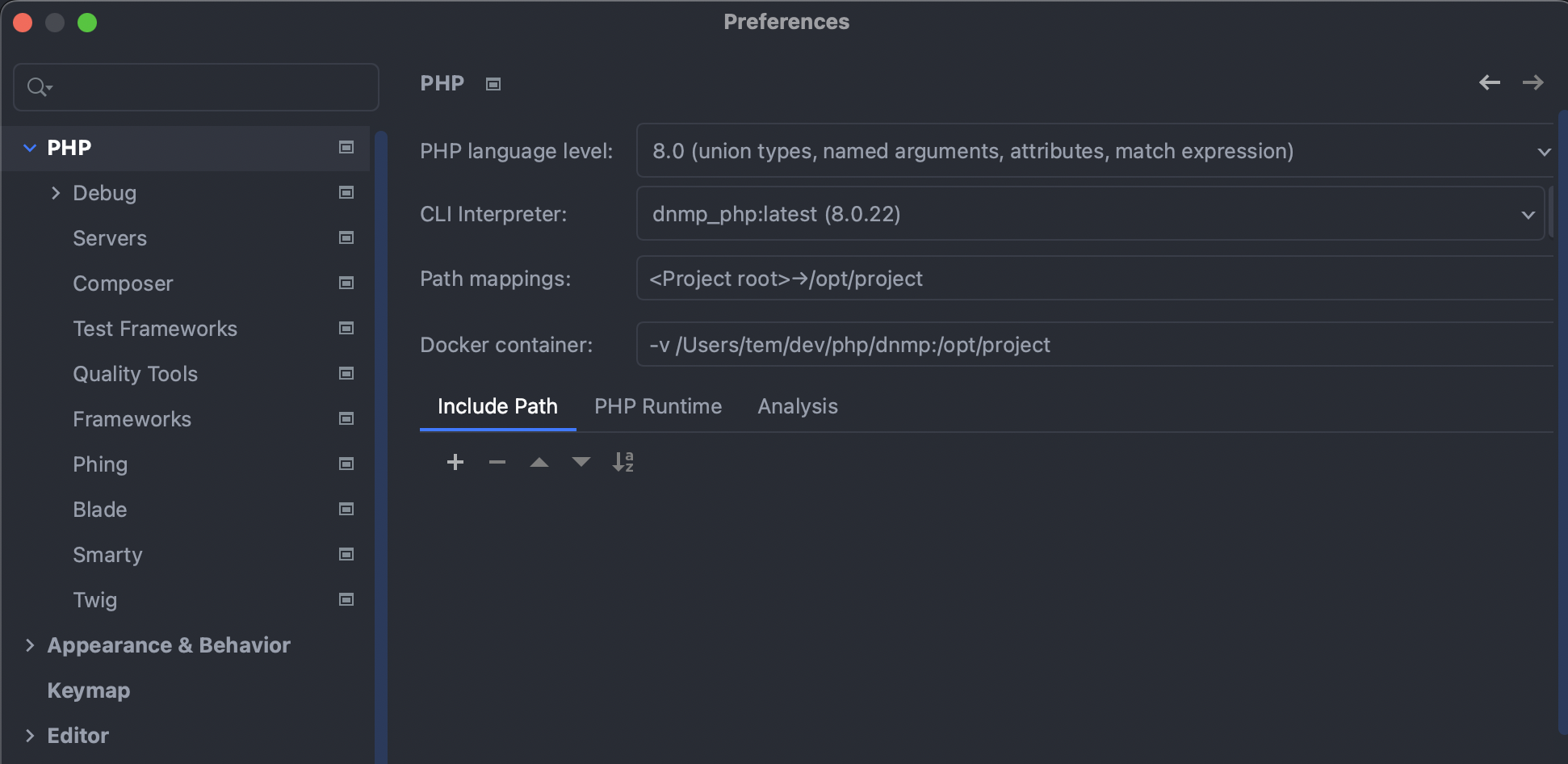
设置php版本
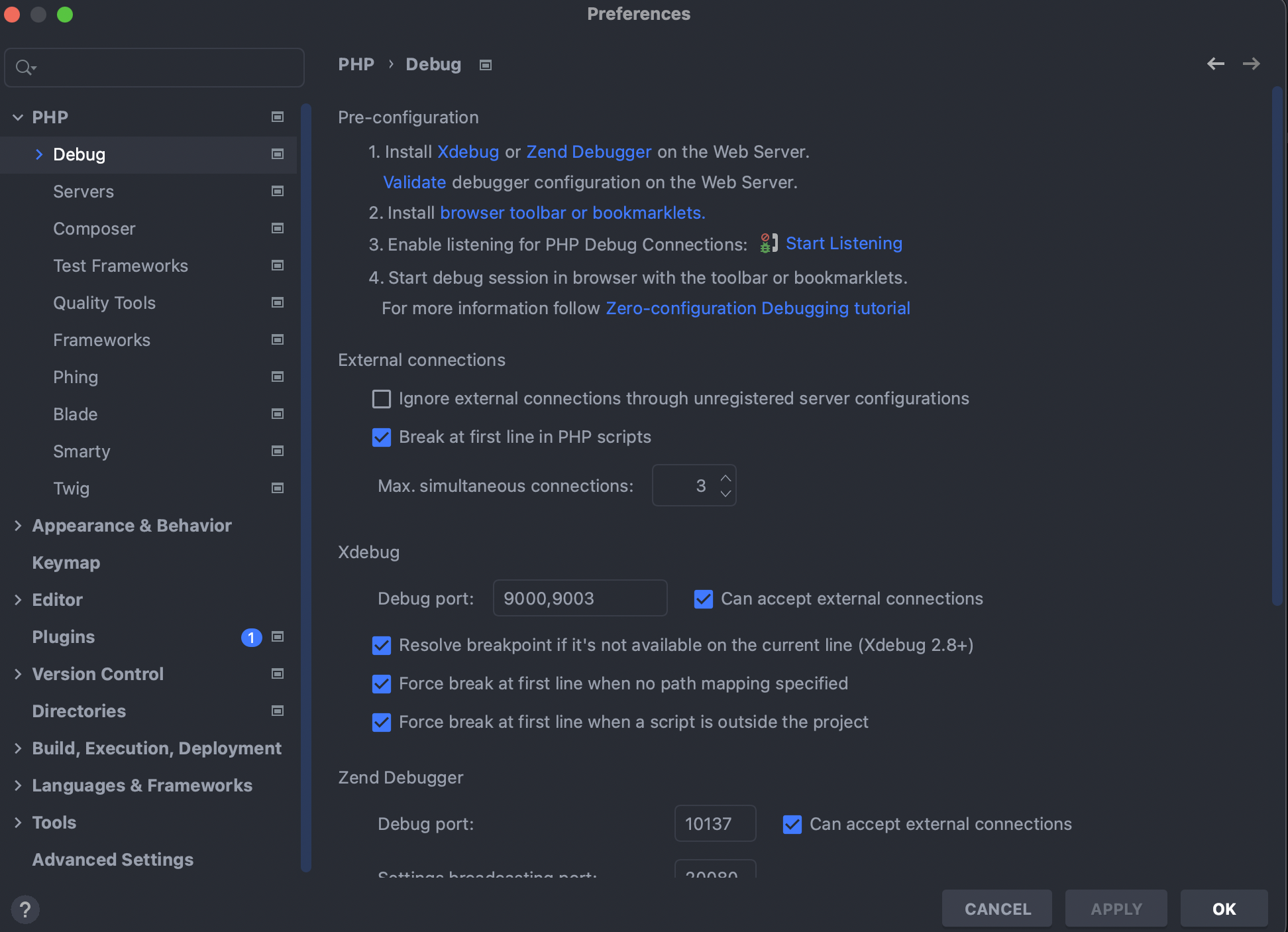
设置debug
设置remove debug
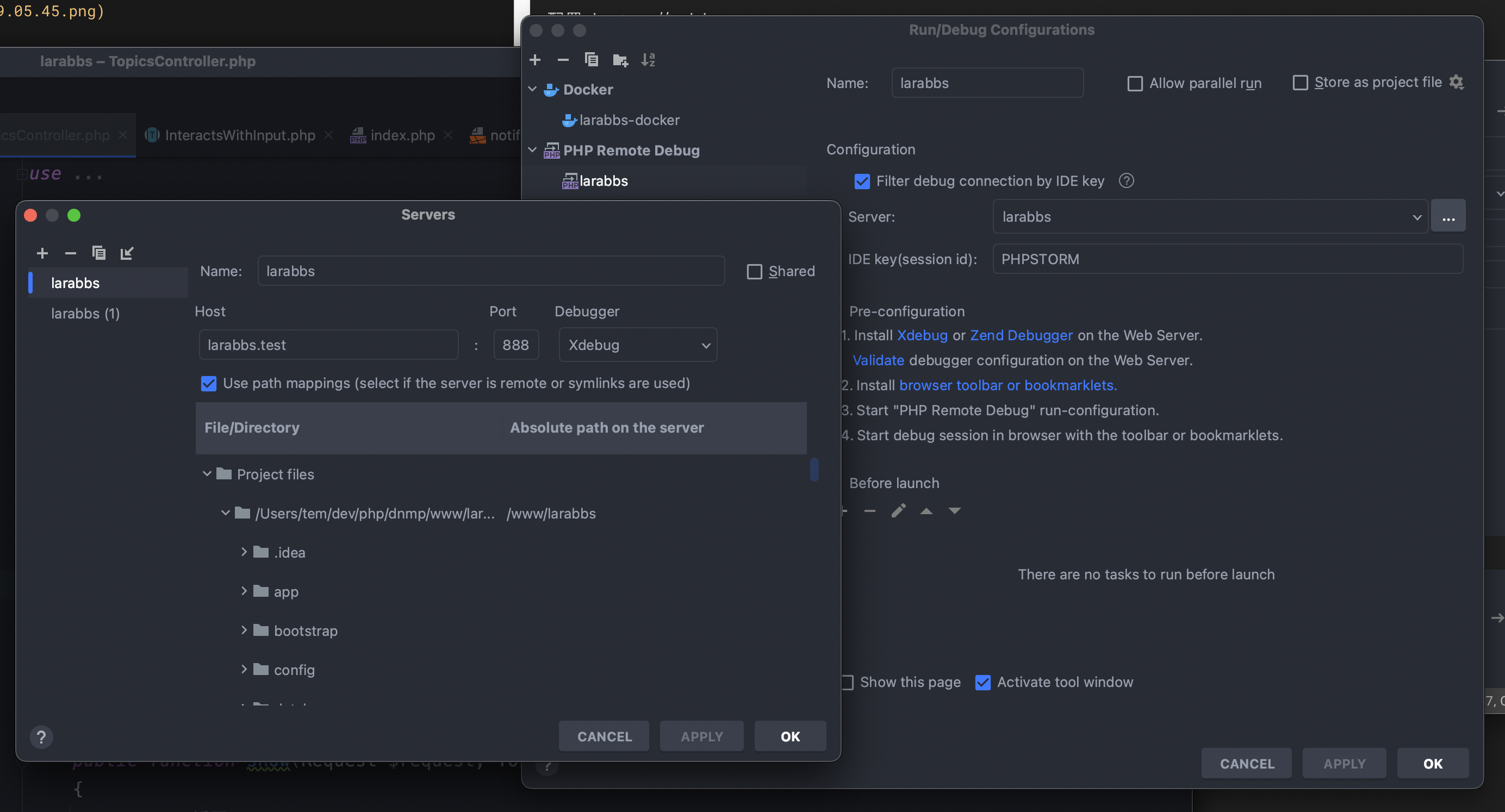
点开监听后,测试断点

结果:
翻车~~~~,打断点没有生效
查看php报错日志,logs/php/php.error.log
Could not connect to debugging client. Tried: localhost:9003
百度找了好多配置都没有用,有换成docker虚拟组网ip的,有换端口的,最后去google查一下是mac的问题,client_host要改成
xdebug.client_host=docker.for.mac.localhost
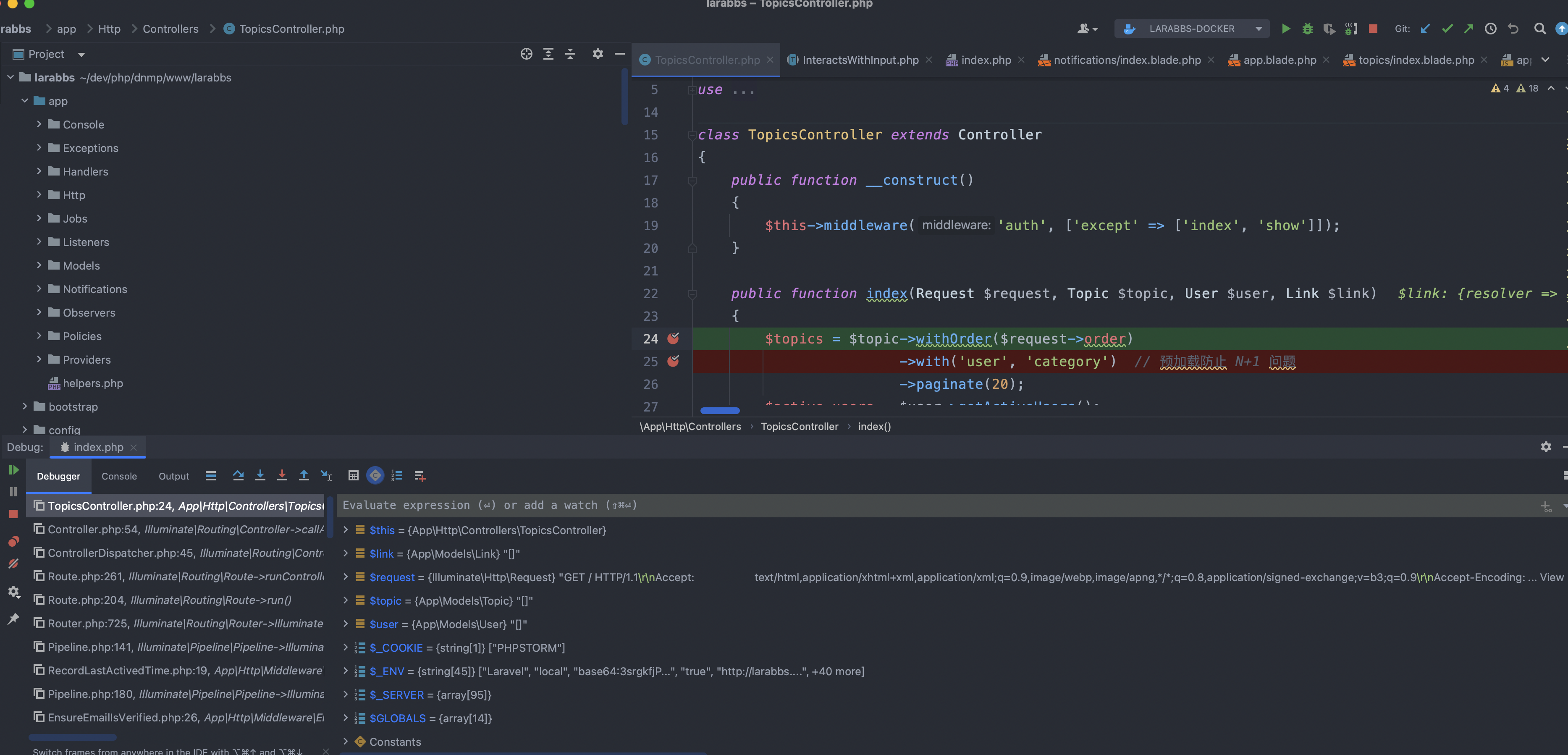
修改后再次重启php服务,断点成功